
User experience (UX) is often shaped by many factors—overall interface layout, color palettes, user flows, and more. However, sometimes it’s the smaller moments that have the greatest impact. These small but powerful moments are known as microinteractions. When done right, microinteractions can make a product feel more human, more intuitive, and ultimately more delightful to use. In this article, we’ll explore what microinteractions are, why they matter, and how to design them effectively.
Defining Microinteractions
Microinteractions are trigger-feedback pairs in which:
- The trigger can be a user action or a change in the system’s state.
- The feedback is a narrowly targeted response to that trigger, communicated through small, highly contextual (usually visual) changes in the user interface.
Think of them as small, functional design elements that confirm an action, provide crucial system status information, or otherwise guide users through a task. For instance, the subtle vibration you feel after successfully completing a mobile payment or the cheerful checkmark when you’ve sent an email are both examples of microinteractions.
Importance of Microinteractions
Though they may appear minor, microinteractions can leave lasting impressions on users. They add a touch of delight and help differentiate a product from its competitors by showcasing attention to detail. They also guide users smoothly through tasks and can reduce errors or confusion. When executed well, microinteractions transform otherwise mundane actions into moments of clarity and satisfaction.
Throughout this article, we’ll break down the anatomy of a microinteraction, discuss why these tiny details are critical to a satisfying UX, review best practices in designing them, and explore examples that can spark inspiration in your own work.
Anatomy of a Microinteraction
Trigger
- What it is: The event that initiates the microinteraction.
- Examples: A user clicking a button, hovering over an icon, or the system detecting a change in network connectivity.
Rules
- What it is: The logic that determines how the system should respond once a trigger occurs.
- Examples: When a user presses “Play” on a music app, the rules might dictate starting the audio, switching the button icon to “Pause,” and updating the track timeline.
Feedback
- What it is: The user-visible or otherwise perceivable response. This is where microinteractions shine, providing instant clarity.
- Examples: A subtle color change on a button click, a short vibration when a message is sent, or an animation confirming a task is complete.
Loops and Modes
- What it is: Defines whether the microinteraction repeats, and how it behaves over time or in different states.
- Examples: A loading spinner that runs until content is fully loaded (repeating), or a one-time success animation shown only after a form is submitted (single loop).
Why Microinteractions Matter for User Experience
Enhancing Usability - By providing immediate feedback, microinteractions confirm user actions and reduce potential confusion. For example, a slight shake animation for an incorrect password alerts the user instantly without making them search for a hidden error message.
Humanizing Digital Products - While functionality is critical, users also appreciate a sense of “conversation” with the interface. Microinteractions offer small moments of reassurance or guidance, helping people feel connected to the product in a natural way.
Encouraging Desired User Behavior - Effective microinteractions can guide users to complete tasks or explore features. A satisfying animation or sound effect after completing a to-do item, for instance, can reinforce positive habits and keep users engaged.
Best Practices for Designing Effective Microinteractions
Keep Them Subtle - Microinteractions should enhance the experience, not distract from the main task. Overly flashy animations or loud noises can be jarring or annoying.
Match Your Brand’s Personality - Align the style, tone, and feel of the microinteractions with your brand values. A playful product might use bouncy animations, whereas a more serious brand might opt for subtle color shifts.
Ensure Consistency Across Platforms - Whether on web, mobile, or desktop, consistent microinteraction design helps users recognize patterns. If a button responds one way on your website, it should behave similarly on your mobile app.
Optimize for Performance - Even the best microinteraction will fail if it causes lag. Keep file sizes small, and test animations on multiple devices to ensure smooth performance.
Test and Iterate - Gather user feedback to fine-tune your microinteractions. Are they noticeable enough? Do they actually help guide the user, or are they distracting? Analytics and usability testing can provide the answers you need.
Examples of Microinteractions
Mobile Apps
- Pull-to-Refresh: As you drag the screen down, a playful animation indicates that new data is loading.
- Haptic Feedback: A subtle vibration for a successful action, like sending a message or unlocking a feature.
Web Interfaces
- Hover States: Buttons or menus that change appearance on hover, helping users discover interactive elements.
- Animated Transitions: Smooth animations that guide the eye when expanding or collapsing sections, reducing cognitive load.
E-commerce Platforms
- Add to Cart: A small animation showing the product image “flying” into the cart icon confirms the user’s action immediately.
- Progress Indicators: Real-time updates on shipping status or loyalty points motivate users to keep engaging.
Practical Tips for Implementation
Choose the Right Tools - Prototyping tools like Figma or ProtoPie help you quickly mock up and test microinteractions before committing to development. This approach lets you validate timing, animations, and overall feel early on, saving both time and resources. New to prototyping? Start with our guide What Is Prototyping in UX?
Start Small and Prioritize - Not every interaction needs an elaborate design. Begin by identifying the most critical user tasks or potential pain points, then address these areas first. This method focuses your efforts where they’ll have the biggest impact.
Ensure Accessibility - Microinteractions should be usable by all. Consider color contrast, avoid overly fast or flashing animations, and include appropriate labels or ARIA tags for screen readers. This way, every user benefits from clear and inclusive feedback.
Mind the Timing - Quick, responsive microinteractions help users feel in control. Animations should generally finish within a few hundred milliseconds to confirm actions without causing delays. By ensuring microinteractions respond rapidly, you keep people focused and engaged, rather than waiting or second-guessing their actions.
Gather and Analyze Feedback - Conduct focused usability tests or monitor analytics to see if users truly benefit from your microinteractions. Look for signs of confusion or distraction, and use real data to refine each interaction. Continuous iteration helps ensure microinteractions remain valuable and friction-free. For a simple, do-it-yourself approach to usability testing, see Rocket Surgery Made Easy by Steve Krug.
Final Thoughts
Crafting great microinteractions involves balancing subtlety and clarity. When done well, they eliminate confusion, spark engagement, and can even turn routine tasks into surprisingly pleasant moments. By focusing on these tiny trigger-feedback pairs, you can transform an average product into a truly delightful experience that keeps users coming back for more.
Keep Reading
- 10 Common Mistakes UX Designers Make (and How to Avoid Them): forgetting microinteractions is one of them.
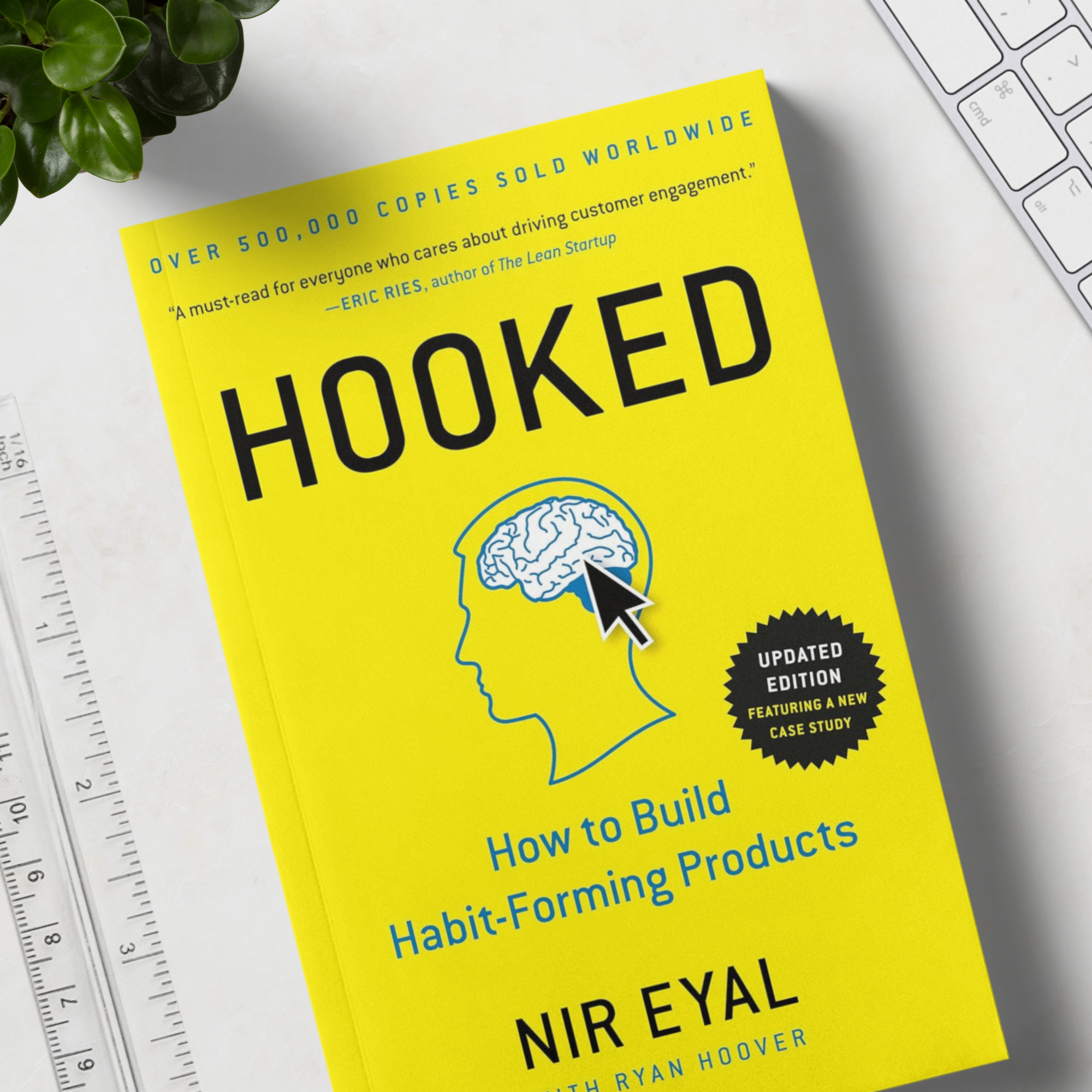
- Our review of Hooked by Nir Eyal: how small rewards and feedback loops build user habits.
- Laws of UX by Jon Yablonski: the psychology behind why fast, clear feedback feels good.

Related articles
21 Oct 2026
10 Common Mistakes UX Designers Make (and How to Avoid Them!)
From skipping user research to never iterating after launch: 10 common UX design mistakes, why they happen and... Read more

21 Oct 2026
What is prototyping in UX?
What UX prototyping is, why it matters, low- vs high-fidelity prototypes, popular tools like Figma and Axure R... Read more
21 Oct 2026
Review of Hooked: How to Build Habit-Forming Products by Nir Eyal
Our review of Hooked by Nir Eyal: the Hook Model explained chapter by chapter, its ethical side, and who shoul... Read more