

- Understanding UX Design
- The Role of a UX Designer
- What is The Difference Between UX and UI Design?
- UX Designer Qualifications: Do You Need a Degree?
- Preferred Degree Fields and Relevant Subjects
- Importance of Psychology in UX
- Skills Needed to Be a Successful UX Designer
- Technical Skills: Research and Design
- Soft Skills: Creativity, Communication, and Critical Thinking
- Gaining Practical Experience in UX Design
- Benefits of Internships and Real-World Projects
- Role of Mentorship in UX Career Development
- Building a Strong UX Portfolio
- What to Include in Your UX Portfolio
- Tips for Showcasing Your Work Effectively
- Continuing Education and Career Advancement
- Importance of Keeping Up With UX Trends
- Certifications and Further Learning Opportunities
- Final Thoughts
- Books for Aspiring UX Designers
User Experience (UX) Design has become an essential component of creating successful products, services, and technologies. Whether it's a website, mobile app, or physical device, the way users interact with these products can make or break their success. For those looking to enter this rapidly growing field, understanding the fundamentals of UX design, the role of a UX designer, and the skills needed to excel is crucial. In this article, we will explore what UX design entails, the UX designer qualifications employers look for, the key skills required, and how to build a strong portfolio to get started in this dynamic and rewarding profession. Whether you're just beginning your journey or looking to refine your skills, this article will provide a comprehensive overview of what it takes to succeed as a UX designer.
Understanding UX Design
User Experience (UX) Design is the process of planning and creating products, services, or environments that are both useful and appealing to the end-user. It encompasses all aspects of the end-user's interaction with a company’s products or services, focusing on usability, ergonomics, and aesthetics. The primary goal of UX design is to ensure that users have a positive experience, which is crucial for a product's success. While often associated with web and software development, UX design can be applied to any product or service intended for human interaction.
The Role of a UX Designer
A UX designer is responsible for creating user-friendly products that solve problems while providing a seamless and enjoyable experience. They analyze user needs, gather input from stakeholders, and iterate through design processes to deliver solutions that are easy to use and align with user goals. This role requires innovative thinking, problem-solving skills, and a strategic mindset. Ultimately, a UX designer's objective is to reduce frustration and enhance satisfaction for users when interacting with a product. Still deciding between UX and web design? See Web Designer vs UX Designer: Which Role Suits You?
What is The Difference Between UX and UI Design?
UX and UI (User Interface) design are closely related but distinct fields. UX design focuses on the overall experience and functionality of a product, while UI design is more concerned with the product’s visual and interactive elements. Think of UX as the structure and flow of an experience, and UI as the graphical and aesthetic aspects. UI designers handle the layout, color schemes, and overall look of an interface, whereas UX designers ensure that the interface serves the users’ needs efficiently and effectively.
UX Designer Qualifications: Do You Need a Degree?
While there is no single educational path to becoming a UX designer, many employers prefer candidates with a bachelor’s degree in relevant fields such as Computer Science, Web Development, or Graphic Design. While a degree in psychology is not mandatory, it can be advantageous due to the close relationship between understanding human behavior and designing intuitive user experiences. However, degrees are not always a strict requirement—employers often value practical skills, a strong portfolio and the ability to learn quickly.
Preferred Degree Fields and Relevant Subjects
Common degree fields for aspiring UX designers include:
- Computer Science
- Web Development
- Graphic Design
- Interaction Design
Additionally, relevant subjects such as Human-Computer Interaction (HCI), Information Architecture, Visual Design, and Cognitive Psychology can provide useful insights into creating user-centered designs. Courses or knowledge in these areas can give UX designers a broader perspective on user behavior and technical implementation.
Importance of Psychology in UX
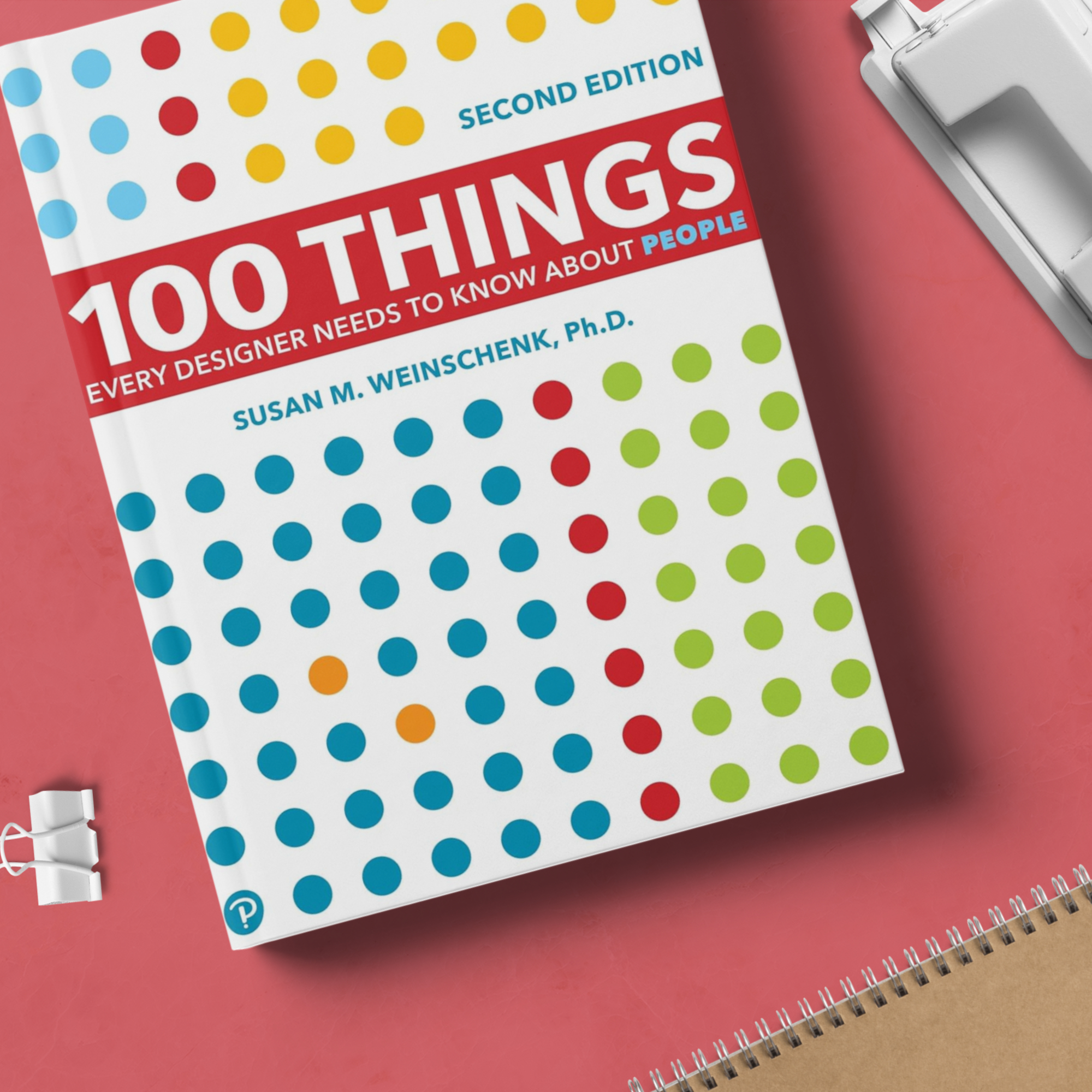
Psychology plays a key role in UX design because it helps designers understand user behavior, motivation, and decision-making processes. A solid understanding of cognitive psychology, for example, can guide how a designer organizes information, designs navigation paths, and even chooses visual elements. Knowing how users think and what influences their actions allows UX designers to create more intuitive and effective solutions. A good place to start is 100 Things Every Designer Needs to Know About People.
Skills Needed to Be a Successful UX Designer
To thrive as a UX designer, a mix of technical and soft skills is required. Successful designers can combine their creativity with data-driven insights, allowing them to craft user experiences that are both innovative and practical.
Technical Skills: Research and Design
UX designers need technical proficiency in areas such as user research, wireframing, prototyping, and usability testing. Familiarity with design tools like Figma, Sketch, or Axure RP is also essential. A strong foundation in user research methods allows designers to understand user needs and test their assumptions, while design tools enable them to visualize and iterate on their ideas.
Soft Skills: Creativity, Communication, and Critical Thinking
Creativity is a must in UX design, as it fuels innovative solutions. However, effective communication is just as important, as UX designers often work with cross-functional teams and must articulate their design choices clearly. Critical thinking skills enable designers to solve complex problems and balance user needs with business goals.
Gaining Practical Experience in UX Design
Practical experience is critical in UX design. While education provides foundational knowledge, hands-on experience through internships and projects allows aspiring designers to apply what they’ve learned and develop real-world skills.
Benefits of Internships and Real-World Projects
Internships and real-world projects give UX designers the opportunity to work with actual users and clients, which is invaluable for learning how to address practical challenges. These experiences allow designers to build a portfolio of work that showcases their ability to handle diverse problems and projects, demonstrating their readiness for full-time roles.
Role of Mentorship in UX Career Development
Mentorship can be a game-changer for those entering UX design. A mentor provides guidance, feedback, and industry insights that help novice designers refine their skills and avoid common pitfalls. Mentors can also offer networking opportunities, which can be essential for career growth.
Building a Strong UX Portfolio
A strong portfolio is key to landing UX design roles. It serves as proof of a designer’s abilities and showcases their approach to solving user problems.
What to Include in Your UX Portfolio
Your UX portfolio should include case studies of your projects, highlighting your design process from research to final implementation. Each case study should show the problem you addressed, your design decisions, and the outcome or impact of your work. Make sure to include a variety of projects to demonstrate versatility.
Tips for Showcasing Your Work Effectively
When showcasing your work, focus on storytelling. Walk viewers through your design process, emphasizing how you solved specific problems for users. Be sure to include user feedback, testing insights, and iterations you made based on those findings. Visual elements like wireframes, prototypes, and final designs can also enhance your portfolio's presentation. To prepare for the design exercises many employers set during interviews, try Solving Product Design Exercises: Questions & Answers.
Continuing Education and Career Advancement
The field of UX design evolves rapidly, and staying current with industry trends and practices is essential for career growth.
Importance of Keeping Up With UX Trends
UX trends are constantly changing as new technologies and user expectations emerge. Keeping up with the latest trends in design thinking, interaction patterns, and user behavior ensures that UX designers remain competitive and innovative. Following industry blogs, attending conferences, and participating in online communities can help you stay informed.
Certifications and Further Learning Opportunities
Certifications and specialized courses are another way to deepen your UX knowledge and validate your skills. Institutions like the Interaction Design Foundation or Nielsen Norman Group offer certifications in various areas of UX, such as usability testing, interaction design, and user research.
Final Thoughts
Starting a career in UX design requires a balance of education, practical experience, and continuous learning. While free online resources can provide a great introduction to the field, nothing can replace real-world experience and mentorship. By building a strong portfolio, staying curious, and continuing to refine your skills, you’ll be well on your way to a successful career in UX design.
Books for Aspiring UX Designers
- Introduction to Design Thinking for UX Beginners: a structured first step into the UX process.
- Introduction to User Research for UX Beginners: interviews and usability testing, the skills employers ask for most.
- The Design of Everyday Things by Don Norman: the foundational book most UX designers read first.

Related articles

21 Oct 2026
Web Designer vs UX Designer: Which Role Suits You?
Dive into the roles of web designers vs. UX designers: who they are, what they do, and how their contributions... Read more

21 Oct 2026
What is prototyping in UX?
What UX prototyping is, why it matters, low- vs high-fidelity prototypes, popular tools like Figma and Axure R... Read more
21 Oct 2026
Review of 100 Things Every Designer Needs to Know About People by Susan Weinschenk
Our review of Susan Weinschenk's 100 Things Every Designer Needs to Know About People: the psychology behind g... Read more